A flashing light can look alarming, especially when your vape stops working mid-session. If you’re asking, “what does a flashing red light on my vape mean,” the honest answer is that it depends on the device. The flash may signal a low battery, a connection problem, overheating, or a protection feature. Color and blink patterns vary by model, so one explanation cannot safely fit every device.
As a practical rule of thumb, an experienced device technician might say, “Treat the flashing light as a warning, not a diagnosis.” This is general guidance, not a verified quotation from a named expert; check your device manual or manufacturer support for model-specific advice. A warm battery, damaged casing, unusual smell, or repeated flashing deserves extra caution. Stop using the device if it appears damaged, and do not open or modify its battery.
This guide outlines seven sensible checks, from charging with the recommended cable to cleaning visible contact points gently. It also explains when a blinking light may indicate a fault that needs professional support. The small details matter: note the number of flashes, whether the device is warm, and what happened just before the signal appeared. Don’t guess from color alone. Some clues are easy to miss.
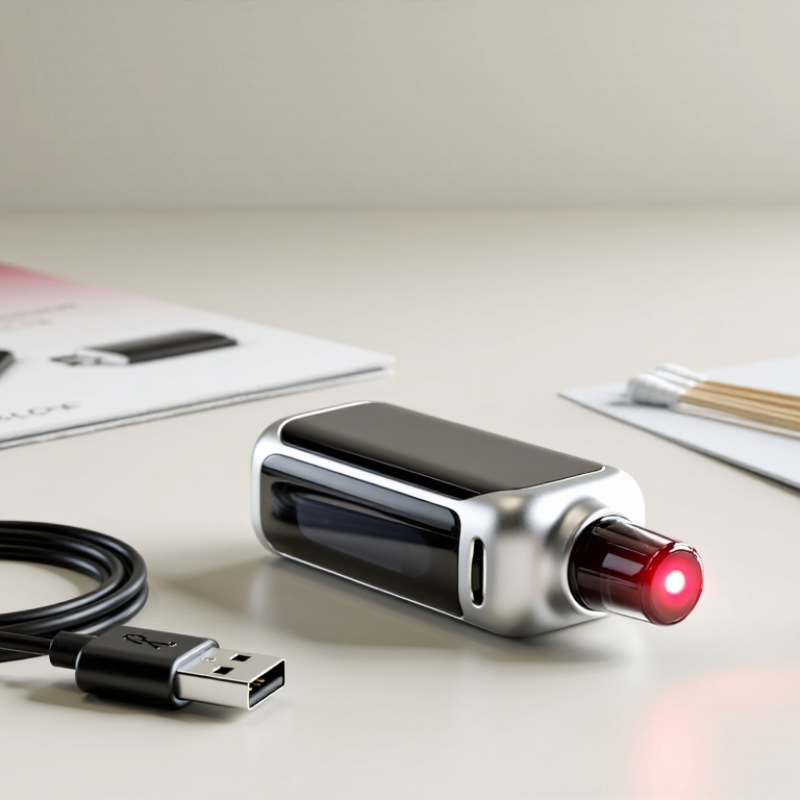
A flashing red light usually signals that the vape needs attention, but its exact meaning varies by device. A quick pulse may indicate a low battery, especially if the light appears after a short draw. A steady or repeated flash during charging can point to a charging issue or a battery that is not accepting power normally. Check the user manual for the device’s specific light pattern.
Look for simple clues. Is the charging cable firmly connected? Does the light flash only when the device is used? If the device has a removable pod, check that it sits evenly and its contacts look clean and dry. Follow the manual before cleaning or repositioning anything. Don’t open the device or probe its internal parts. Small details matter.
Some devices flash red when they detect overheating, a poor connection, or an electrical fault. Stop using it if it feels unusually hot, smells odd, leaks, or has visible damage. Let it cool on a nonflammable surface, away from direct sunlight, and use only the charging method specified by its maker. A different cable might seem like an easy fix, but guessing can create more uncertainty. If the warning continues, disconnect it and contact the seller or manufacturer for device-specific guidance.
What Does a Flashing Red Light on My Vape Mean? 7 Tips
How Battery and Charging Issues Trigger Red Flashes
A flashing red light often signals a low battery, but its meaning varies by device. Check the user manual for the exact pattern. A steady flash during use may mean the battery cannot supply enough power. During charging, repeated flashes can point to a loose connection, a depleted battery, or an unsuitable cable. That matters. Dust or residue around the charging port can also interrupt contact; inspect it gently in good light. Don’t poke inside with metal tools.
Tips: Use the supplied or manufacturer-recommended cable and a compatible power source. Check that both connections feel secure. Let the device charge on a dry, hard surface, where you can see it. Avoid charging overnight or using it while charging unless its instructions allow this. Try another suitable outlet, not a damaged cable. Small details count.
If the red flashes continue, disconnect the charger and let the device cool. Check for a hot casing, swelling, leakage, or physical damage. Stop using it if you notice any of these signs, and follow the maker’s safety guidance for service or disposal. I used to assume every red blink meant “charge me,” but that can be a poor guess. Light codes differ, and repeated resets won’t fix a failing battery.
A flashing red light can indicate a low battery, but flash patterns vary by device. These approximate voltage points describe a typical single-cell lithium-ion battery; they are not universal vape warning thresholds. Check your device manual, and inspect the charger and battery connection if the light flashes while charging.
A flashing red light can signal a weak battery, a poor connection, or a device fault. The meaning varies by model, so check the user guide before assuming the cause. Turn the device off and let it cool before inspecting it. Keep it simple.
Remove the pod and look for liquid, lint, or residue around its contacts. Wipe the contacts gently with a clean, dry cloth or cotton swab. Check that the pod sits straight and clicks into place without pressure. Do not use metal tools or add liquid to the electrical contacts. A tiny bit of residue can interrupt the connection.
If the coil is replaceable, make sure it is seated correctly and not visibly damaged. A burnt smell, leaking, or an unusually hot device is a reason to stop using it. Refit the pod, then try one brief activation. Do not force it. If the red light continues, avoid repeated firing or charging attempts; consult the device instructions or seek qualified support. I’ve found that reseating a pod can help, but it does not prove the device is safe or fully working.
A flashing red light can signal a low battery, a loose connection, overheating, or an internal fault. The exact meaning varies by device, so check its manual before troubleshooting. If the casing feels hot, smells unusual, or looks damaged, stop using it.
Tips:
A simple reset may help, but it is not a fix for every fault. Don’t open the casing or keep charging a device that heats up, leaks, or behaves unpredictably. I’d rather miss one use than guess at a battery problem. Contact the manufacturer’s support service, or follow local guidance for disposing of damaged electronics.
A flashing red light can signal a low battery, a poor connection, overheating, or an internal fault. The meaning varies by device, so check its manual rather than assuming the cause. If the light appears during use, pause and let the device cool on a dry, nonflammable surface. Do not guess. Stop using it immediately if the casing feels unusually hot, looks swollen or cracked, leaks, or smells burnt. Do not charge a damaged device, and never try to open or repair its battery yourself.
If the device stays cool and intact, follow the manual’s charging and cleaning instructions, then check whether the warning stops. Use only the specified charger, and unplug it if it becomes hot or the warning continues. A red light that keeps flashing after these checks may indicate a fault. Stop using the device and contact the seller or manufacturer for guidance. Replace it if the fault cannot be safely resolved, or if the device is damaged or repeatedly overheats. For a single-use device, a persistent warning often means it has reached the end of its usable life; don’t force it to work. Batteries can fail without much warning. That part is easy to overlook. Dispose of damaged or depleted devices through an appropriate battery or electronic-waste collection point, not household trash.
It may indicate a low battery, poor connection, overheating, or an internal fault. The exact signal varies by device.
Check the device manual for its specific light pattern. A quick flash after use may mean low power, but don’t assume.
Stop using it and let it cool on a dry, nonflammable surface away from sunlight. Do not charge it while hot.
Look for visible moisture or debris without inserting anything. Wipe the exterior with a dry cloth, and follow the manual.
Reseat it only as the manual directs. Check that it sits evenly and its contacts look clean and dry.
No. Don’t open the casing or probe internal parts. A quick fix can make a battery fault worse.
Stop using it and disconnect it if the warning continues during charging. Contact the seller or manufacturer for device-specific guidance.
Stop using it if it is swollen, cracked, leaking, unusually hot, or smells burnt. Replace it if the fault persists. Batteries can fail with little warning. Use an appropriate battery or electronic-waste collection point.
A flashing red light on a vape can indicate a low battery, a charging problem, a poor connection, or an issue with the pod or coil. If you’re wondering, “what does a flashing red light on my vape mean,” the exact signal can vary by device, so check its instructions before troubleshooting. Begin by turning the device off and inspecting it for visible damage, leaks, or debris.
Try seven safe steps: charge with the recommended cable and power source; check that the pod is seated correctly; remove and gently clean accessible connection points with a dry cloth; make sure the coil is properly fitted; allow the device to cool if it feels warm; restart it according to its instructions; and test it only if it appears undamaged. Stop using it if it becomes unusually hot, leaks, or continues flashing after these checks. Replace a damaged or persistently malfunctioning device rather than opening or attempting to repair its battery.